Reviewing Deals
This page is your workbench for investigating individual deals: filter the list, open Deal Details, inspect the variables used in calculation, and start a Deal Discussion when you need a human follow-up.
What you can do on this page
- Search, sort, and filter the deals that drive your commissions.
- Open a deal detail page to review deal context and key dates.
- Open the variables sidebar to see inputs used in the calculation.
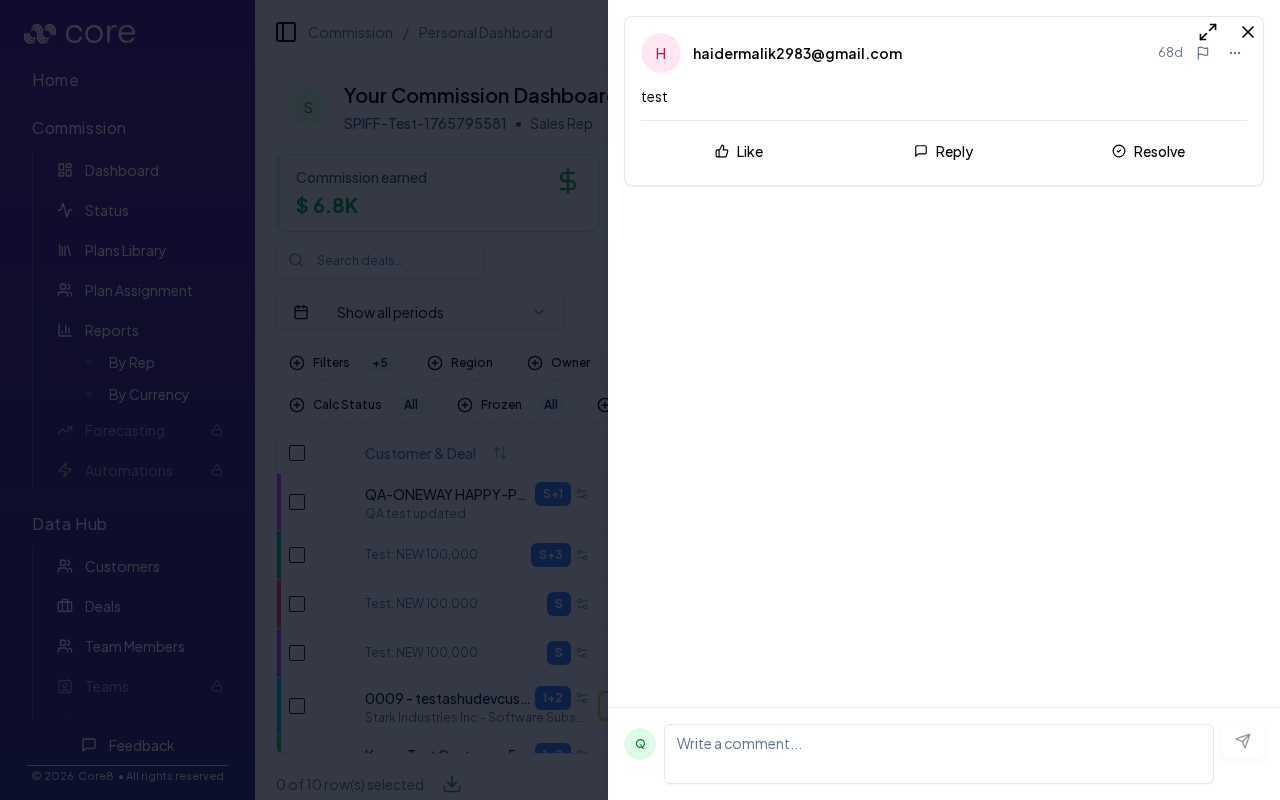
- Use the Deal Discussion thread to ask questions or add context.
- Share a link to a specific deal discussion with a teammate when you need a human follow-up.
Discussion vs deal chat
- Deal Discussion (dashboard): a human collaboration thread; shareable by link.
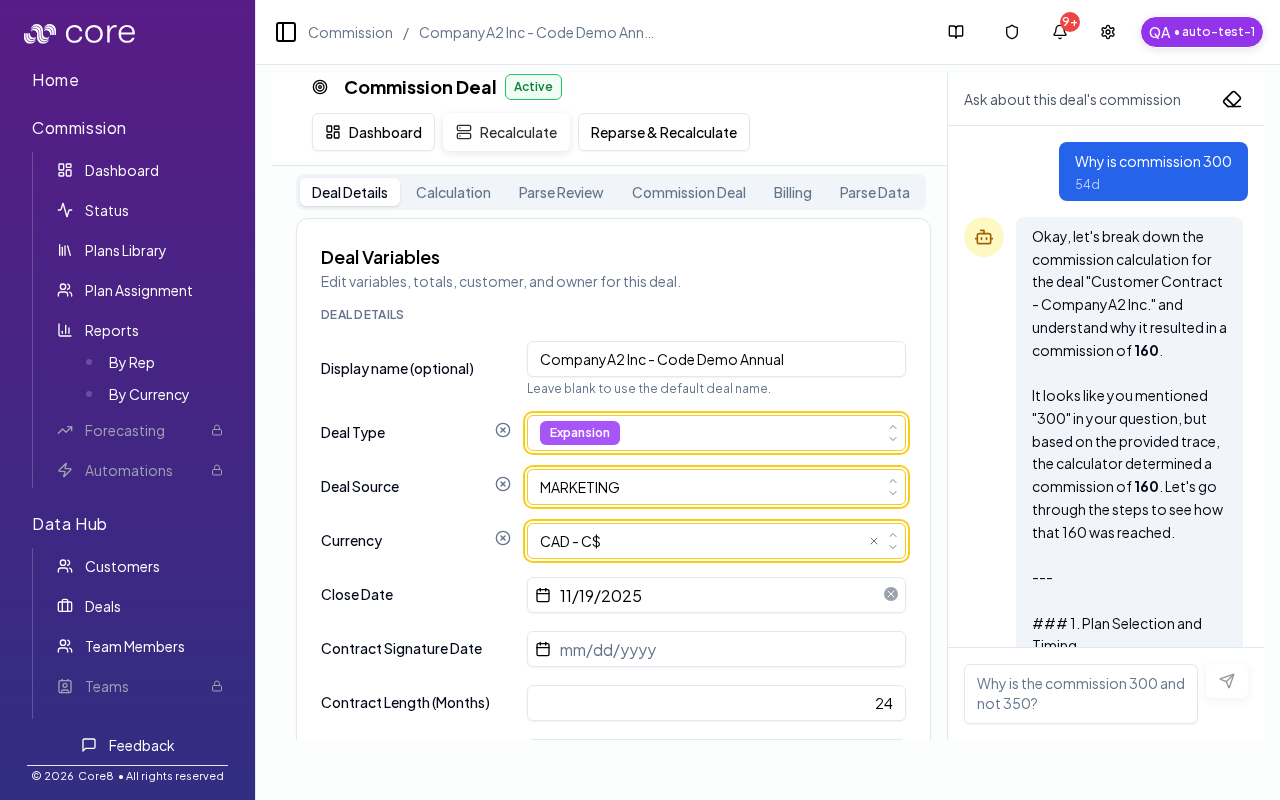
- Deal chat (deal page): the AI “Ask about this deal’s commission” panel on the deal detail page.
This is a view-only experience. If anything needs to be updated, use the deal Discussion to request changes.
How to verify the deal tools are working
- Open a deal discussion from the dashboard and confirm the Deal Discussion panel opens.
- Copy/share the link to the page and confirm it opens directly to the same discussion thread.
- Click a deal name and confirm it opens the deal detail page.
Common issues
- My totals do not match what I expected: confirm you are looking at the right period, then open a deal and use the Calculation view to see plan selection, gates, and effective values.
- A deal is not showing up: clear search/filters and confirm the deal is assigned to you (and in the selected period). Split/child deals may appear under a parent.
- Numbers changed since yesterday: overrides, plan changes, or a recalculation can move amounts; check the deal's audit/history and the calculation snapshot.