

What you can do on this page
- Configure organization-wide defaults that affect commission behavior.
- Manage billing/import configuration and parsing-related settings (org-dependent).
- Configure commission calculation settings, variables, and global rules (manager-only).
- Copy and paste org config for migrations or support debugging.
- Understand which settings can impact calculations and statuses.
Under the hood
Under the hood
- Copy/Paste config: paste opens a review drawer before applying changes.
- Downstream impact: changes can affect plan parsing defaults, variable interpretation, and calculation behavior.
- Common failure modes: mismatched configs between orgs and missing required mappings leading to waiting/failed deals.
- How to verify: see How to verify a setting change took effect below.
- If it fails: review any validation errors in the paste drawer; if deals become waiting/failed after a change, use Commission Status and Data Hub Errors to find the blocker.
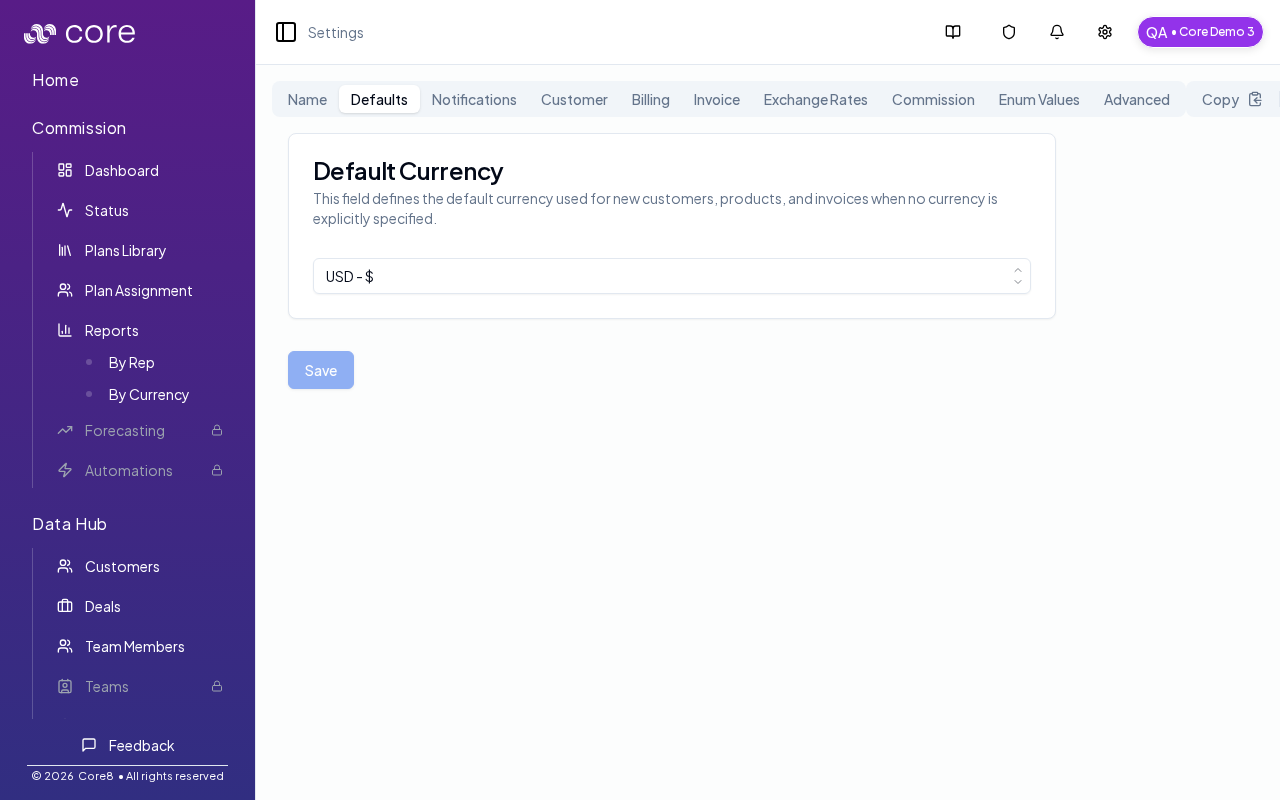
Access
- Open Settings → Settings (in the header dropdown).
- URL:
/{orgId}/settings
Copy / paste organization config
At the top-right of the page:- Copy copies the current organization configuration to your clipboard.
- Paste opens a drawer where you can review a pasted configuration and then apply it.
How to verify a setting change took effect
- After a change, refresh the page and confirm the setting persists (especially after Copy/Paste workflows).
- If the setting impacts calculation, spot-check Commission Status for the affected period and one known deal’s Calculation view.
- If something looks worse after a change (new Waiting/Failed deals), revert by pasting the previous config and then use Data Hub Errors to find the missing mapping/field.
Tabs
Top-level tabs include:- Name: organization display name
- Defaults: default settings used across the app
- Notifications: notification configuration
- Customer: customer-related configuration
- Billing: configuration and parsing settings
- Invoice: invoice settings
- Exchange Rates: exchange rate provider configuration
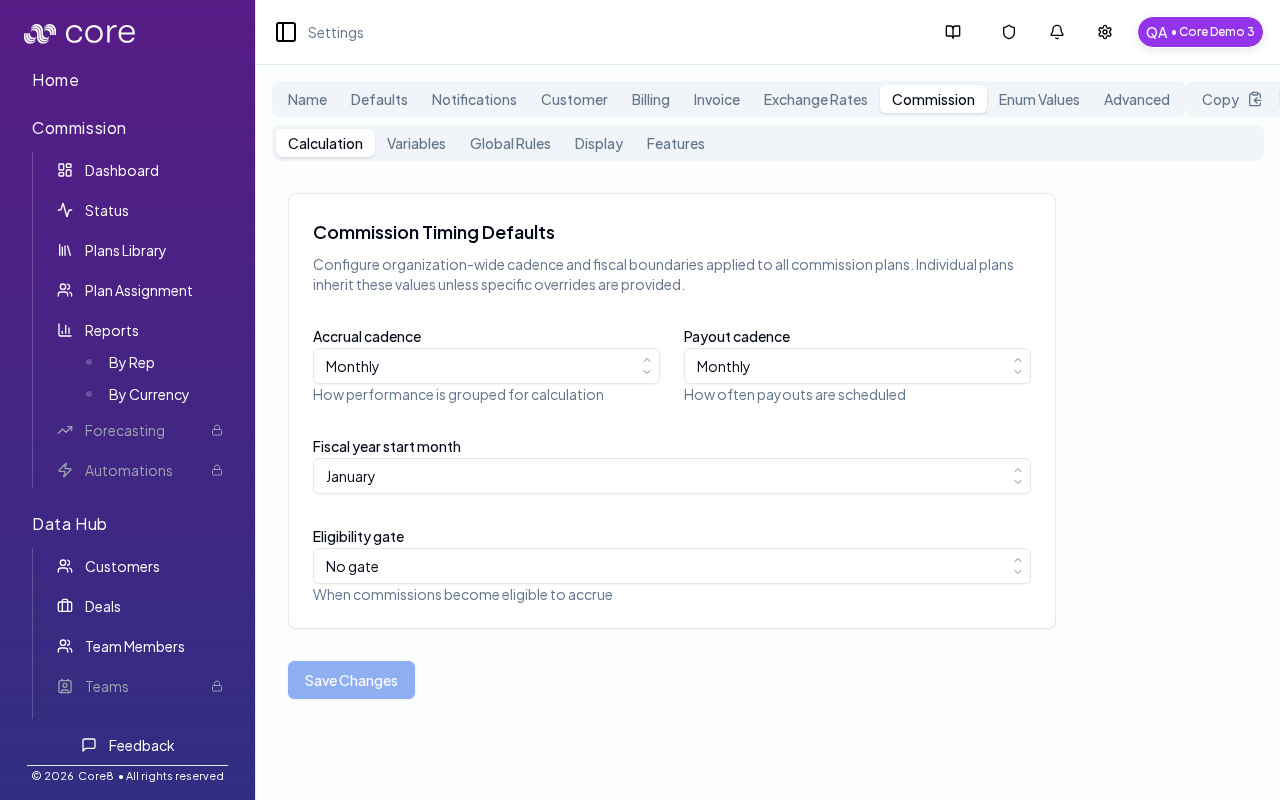
- Commission: commission calculation + variable configuration
- Enum Values: manage enum values used by configurable fields
- Advanced: advanced settings
Commission sub-tabs
The Commission tab includes nested sub-tabs (URL-backed viacommissionView), including:
- Calculation
- Variables
- Global Rules
- Display
- Features
Billing sub-tabs
The Billing tab includes nested sub-tabs (URL-backed viabillingView):
- Config
- Parsing
Most tabs support deep links via
?view= (and related parameters for sub-tabs). Use this when you want to share a direct link to a specific tab.Common issues
- Paste config will not apply: fix validation errors in the paste drawer. Only paste between orgs with comparable setup (integrations/fields/enums).
- A settings change caused deals to become Waiting/Failed: revert the change (paste the previous config), then use Commission Status and Data Hub Errors to find the missing mapping/field.
- I do not see a tab described here: some tabs are org-dependent or feature-flagged; contact support if you think something should be enabled.