

What you can do on this page
- Browse imported deals and validate data coverage.
- Use the Imports tab to review structured import activity (where enabled).
- Investigate errors and mapping issues that affect deals.
- Identify duplicates and missing required fields.
- Export/import deals for reconciliation workflows (where enabled).
Under the hood
Under the hood
- Uploads: uploaded documents (and pasted CRM data, when enabled) are processed asynchronously; ingestion continues even if you navigate away.
- Imports: the Imports tab shows the processing queue and status for recent uploads (use it to confirm completion later).
- Errors: the Errors tab shows issues that block or degrade deal ingestion (missing fields, parsing failures, sync failures).
- How to verify: see How to verify an upload/import worked below.
- If it fails: check the Errors and Imports tabs; for integration sync failures, check Settings → Integrations → Logs.
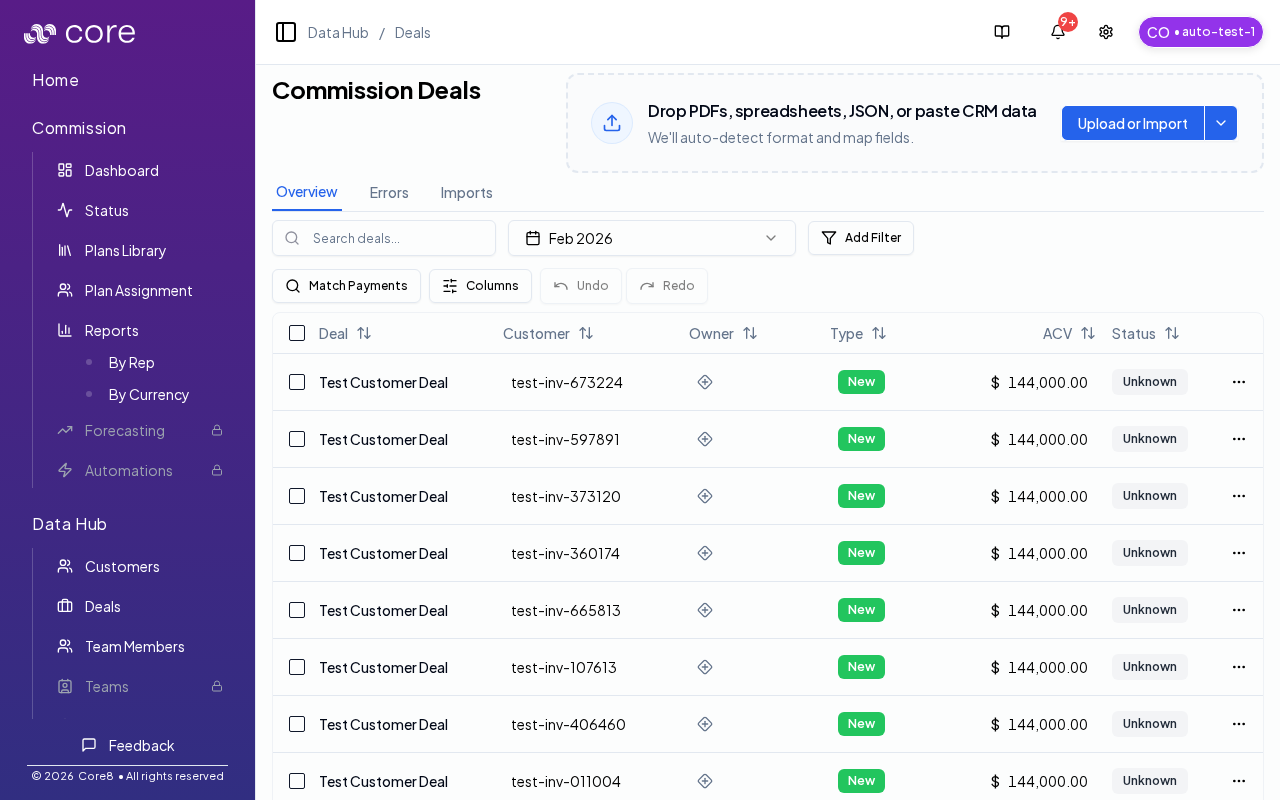
The page uses the
tab query parameter:overview: the commission deals tableerrors: integration issues affecting commission dealsimports: upload/import history and status
Uploading deals
You can upload deal documents via drag-and-drop or Upload. Core8 supports:- file-based imports (documents)
- CRM clipboard paste (when enabled for your org/workflow)
How to verify an upload/import worked
- After you upload or paste, check that the deal appears in the Overview table (or that the table counts change as expected).
- If you’re watching processing (or you left the page), open Imports and confirm the run completes successfully.
- If expected deals are missing or look wrong, open Errors to find the blocker and investigate the linked objects.
Errors
The Errors tab shows issues affecting commission deals (for example missing fields or parsing/sync failures). Use filters and linked objects to investigate root causes.Imports
The Imports tab shows the deal import queue and processing status.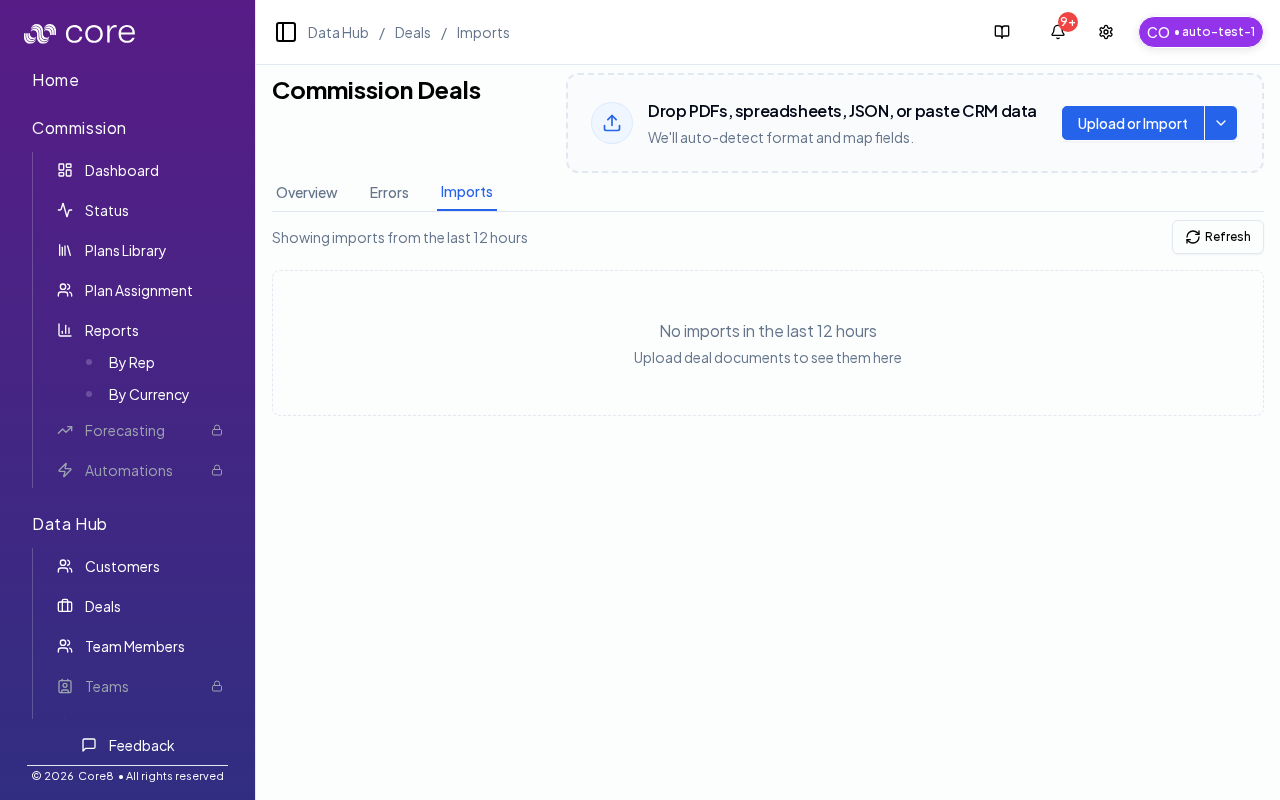
Common issues
- A deal is missing: confirm the period/filter view, then verify the deal exists in the source system and run sync/import.
- A deal is Waiting/Failed in Core8: open the deal’s status/eligibility details (or Commission Status) to see which required field or gate is blocking it.
- Numbers changed after edits/imports: a recalculation may have run; check the deal’s Calculation view/history and confirm the effective values being used.