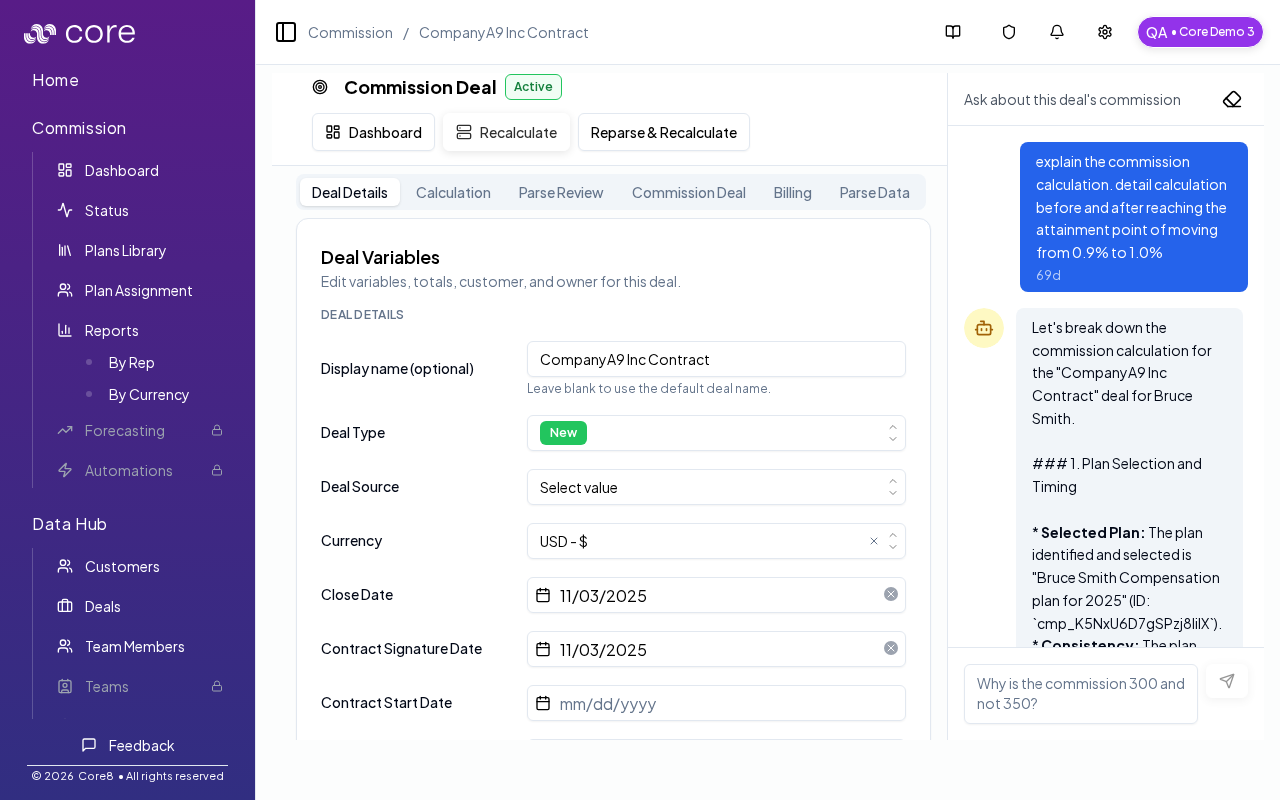
Choose this pattern when a multi-year contract pays different rates (or uses different bases/eligibility) by contract year. Before splitting, decide how you’ll allocate value across years and which variable (for example yearInContract) your plan uses to apply year-specific rates. Verify by spot-checking each child deal’s Calculation view. Core8’s recommended approach is to split the contract into year-based child deals so each year can be calculated cleanly. Deal details (manager)

When to use this

Use multi-year splitting when:
  • the contract explicitly defines different commission rates by contract year
  • the commission base changes by year (price step-ups/downs)
  • eligibility differs by year (for example, year-specific gates or accelerators)
  1. Open the deal in the Commission dashboard.
  2. Use Split Deal and choose the Contract Phases intent (if available).
  3. Create one child deal per contract year and ensure each child has:
    • the correct amount (or percentage) for that year
    • yearInContract set correctly (1, 2, 3, …)
  4. Recalculate and verify each child deal’s commission matches the contract.

Important

This pattern works when your plan calculation uses yearInContract (for example: Year 1 pays at a higher rate than Years 2+).

Common gotchas

  • Decide (and document) which date anchors the behavior: booking date vs invoice date vs payment date.
  • If the pattern depends on fields from an integration, confirm those fields actually exist in Data Hub and aren’t overridden.
  • Test with a tiny set of deals first, then expand—patterns often “work” but break on edge cases like refunds, partial payments, or split deals.

How to verify

  • Use the deal detail view to confirm:
    • the child deal amounts match the contract allocation per year
    • the correct plan and rate apply for each year
    • totals reconcile back to the parent contract value