

What you can do on this page
- Open a deal’s discussion thread from the dashboard table.
- Collaborate on fixes and explanations directly alongside the deal list.
- Post new messages and track unread/unresolved items (role-dependent).
- Share a deep link to a specific deal discussion.
- Document why an override or operational action happened without changing calculations.
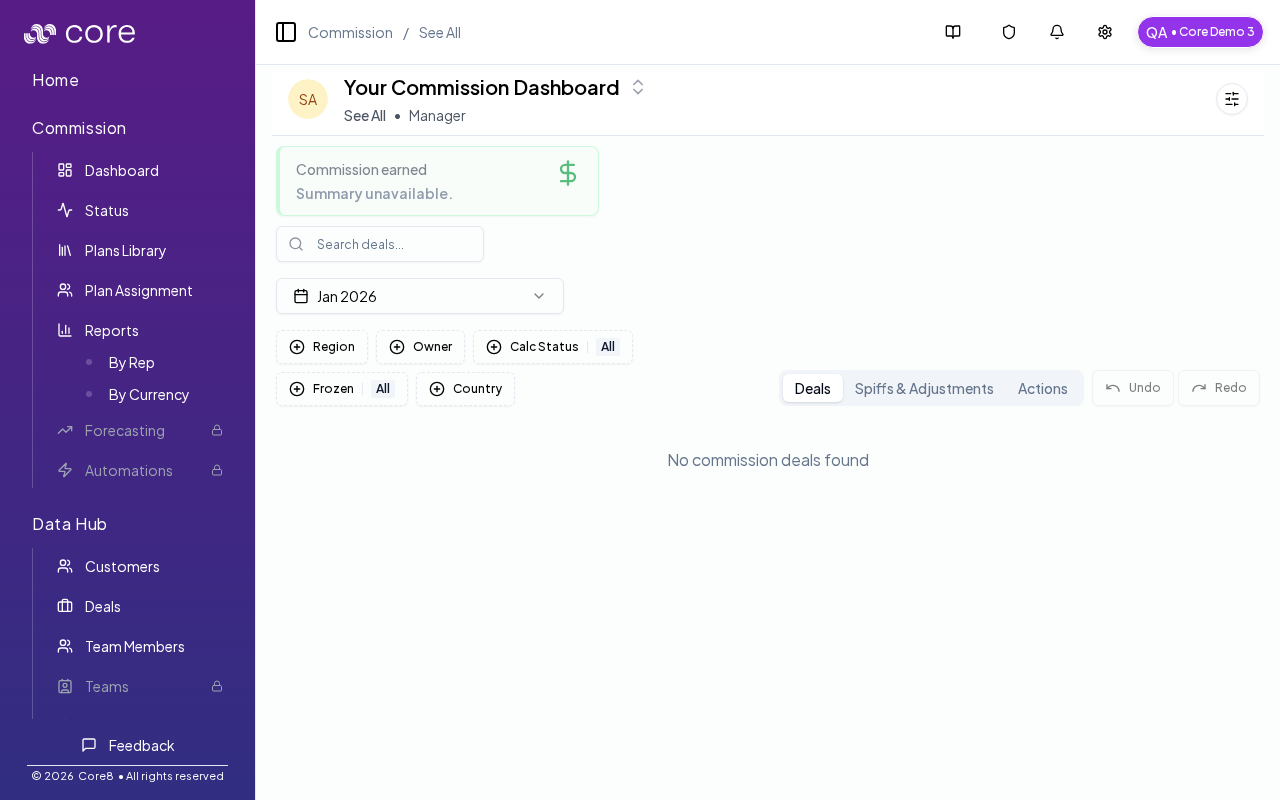
How to open the sidebar
- Open the Commission dashboard (personal view or See All).
- On a deal row, open Discussion (or the chat icon/badge).
Discussion vs AI chat
- Deal discussion (dashboard): a human collaboration thread, tied to the deal and shareable via a deep link.
- Deal AI chat (deal page): the “Ask about this deal’s commission” panel on the deal detail page.
When to use it
- Request clarification from Ops/RevOps on a deal.
- Document why an override was applied.
- Share links to supporting evidence (contract, invoice, CRM notes).
Common issues
- I cannot find a rep or deal: check filters (team/member/status/period) and confirm the person has an active plan assignment for the time range.
- Overrides are disabled: the period or plan may be locked/frozen, or you may lack permission; confirm your role and period state.
- Totals do not reconcile: spot-check a single deal’s Calculation view, then confirm which plan version is approved and which effective values are used.
The dashboard uses the
discussion query parameter to open a specific discussion thread:/{orgId}/commission?view=all&discussion={cmsnDealId}