

What you can do on this page
- Create an API key for programmatic access to Core8.
- Copy the key value at creation time and store it securely.
- Review existing keys (masked) and their names.
- Revoke (delete) keys to disable access for a system.
- Rotate keys when ownership or security posture changes.
Under the hood
Under the hood
- One-time visibility: the full key is only shown at creation time; afterwards it is masked.
- Revocation: deleting a key immediately invalidates it for any downstream process.
- Common failure modes: lost keys (need re-create) and unexpected failures when a key is revoked without updating clients.
- How to verify: see How to verify a key works (and revocation worked) below.
- If it fails: confirm you have manager access; retry creation; if a client breaks after revocation/rotation, create a new key and update the client.
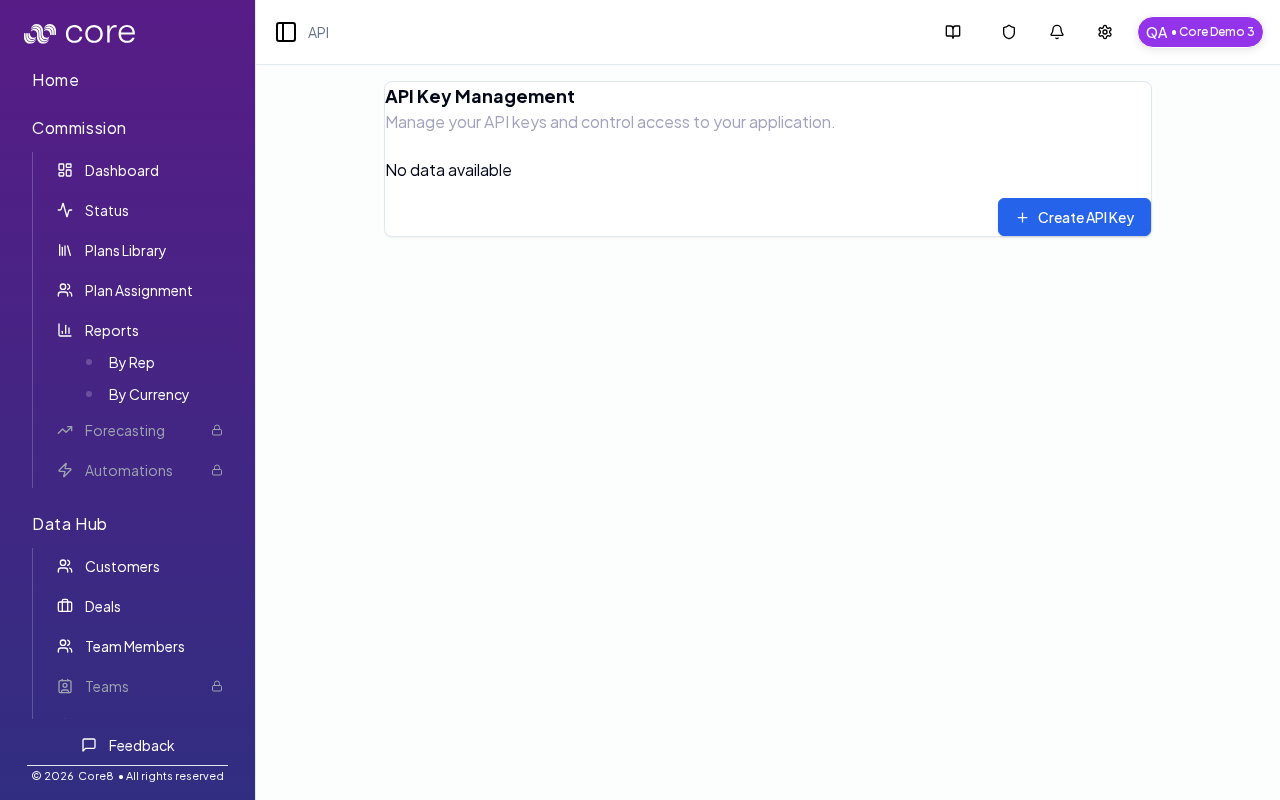
Access
- Open Settings → API (in the header dropdown).
- URL:
/{orgId}/configuration/api-keys
View existing keys
The table shows your existing keys by:- Name
- Masked key value (for security, Core8 does not show full keys here)
Create an API key
- Click Create API Key.
- Enter a key name (use a name that describes the system/workflow using it).
- Copy the key from the confirmation dialog and store it securely.
How to verify a key works (and revocation worked)
- After you create a key, confirm it appears in the table (masked) and that you copied/stored the full value from the one-time dialog.
- Update the downstream system (where you store secrets/env vars) and run a lightweight “can I authenticate?” check in that system.
- After you revoke a key, confirm requests using the old key fail (expected), then rotate to a new key and re-test.
Revoke (delete) a key
Use Delete to revoke a key. Once deleted, any process using that key will fail until updated to use a new key.Common issues
- I cannot access API Keys: this page is manager-only. Ask an org manager to grant you access in Users & Permissions.
- I lost the key value: for security, Core8 shows the full key only once at creation. Create a new key and update your client; then revoke the old key.
- My client fails after rotation/revocation: confirm which key your client is using (secrets manager/env var), update it to the new key, and retry.