Skip to main contentWhen you need to reconcile results across currencies for a period, this report gives you grouped totals plus an export you can share with payroll/finance.
What you can do on this page
- Review commission totals grouped by currency.
- Use period and filters to focus on a close window.
- Validate multi-currency behavior and totals consistency.
- Export a filtered view for reconciliation.
- Use it alongside the By Rep report for close workflows.
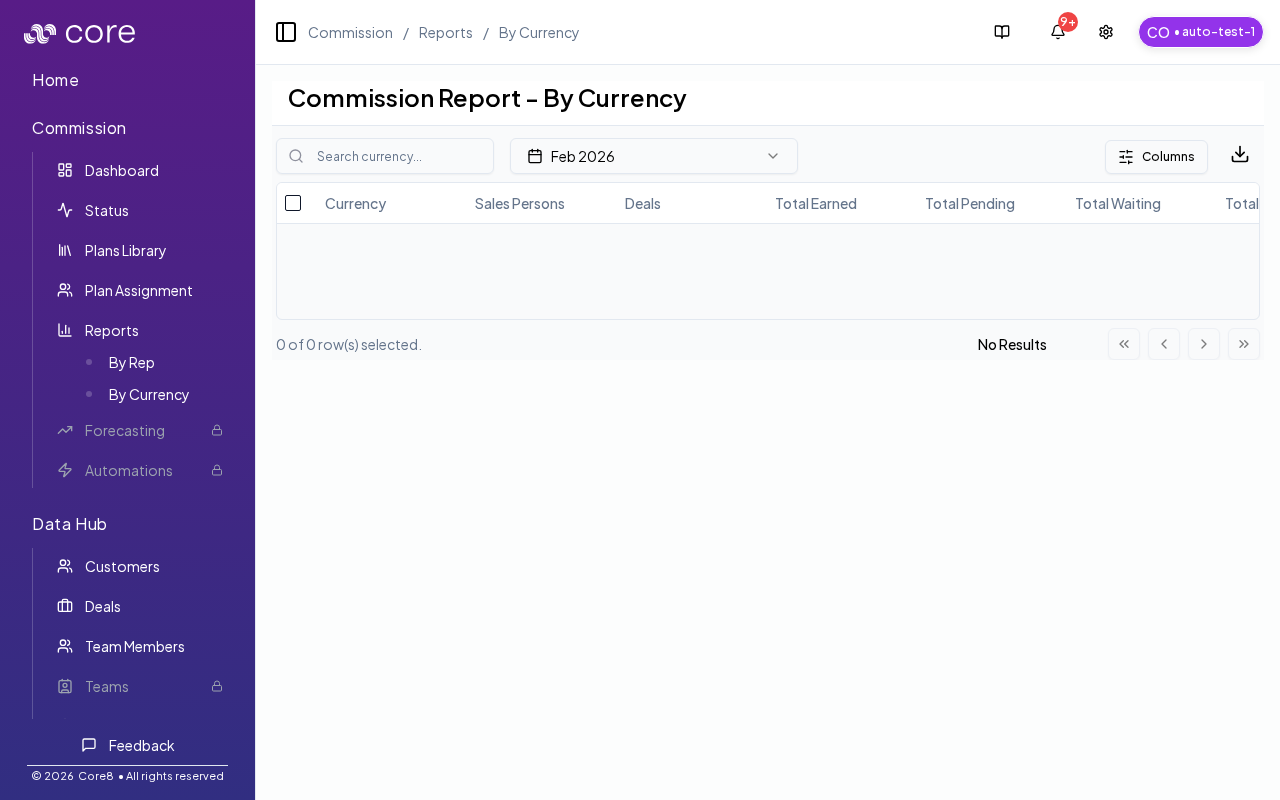
Access
- Open Commission → Reports → By Currency.
- URL:
/{orgId}/commission/reports/by-currency
This page requires commission manage access.
Filters
- Period selector
- Search currency (useful when many currencies are present)
Columns and exports
- Customize which metrics are shown (native-currency totals and org-currency totals).
- Select rows to export a subset of currencies.
How to read totals
- Rows are grouped by deal currency.
- “(Org)” columns show the org-currency equivalents (when available).
- The totals row only sums “(Org)” columns; native-currency totals don’t sum across currencies.
Troubleshooting
- If “(Org)” columns are blank/unavailable, you may be missing FX data for the relevant anchor dates.
Common issues
- Totals look off after conversion: confirm which conversion point is used (booking vs payout) and the exchange rate source for the period.
- A currency is missing: check period filters and whether deals in that currency exist and are eligible/paid.
- Rounding differences appear: spot-check one deal’s calculation and verify rounding settings/precision.
Related pages

