Skip to main content
Commission — Common Plan Patterns Dispute Workflow
Deal Discussion threads are the right tool when reps need to ask questions or dispute a deal’s commission and you want the resolution captured on the deal.
Before marking a dispute resolved, decide whether the fix is a data correction (override/import), a plan change, a split update, or an adjustment. Verify by checking the deal’s Calculation view after the change and closing the thread with a short summary.
When to use this
Reps need a place to ask questions or dispute a deal’s commission.
Managers need an auditable discussion trail tied to a deal.
You want disputes to be resolved with clear before/after evidence.
Core8 provides a Deal Discussion thread per deal:
keeps context (deal name, customer, amount, plan context)
supports replies and resolution states
tracks unread and unresolved counts
How to open a dispute
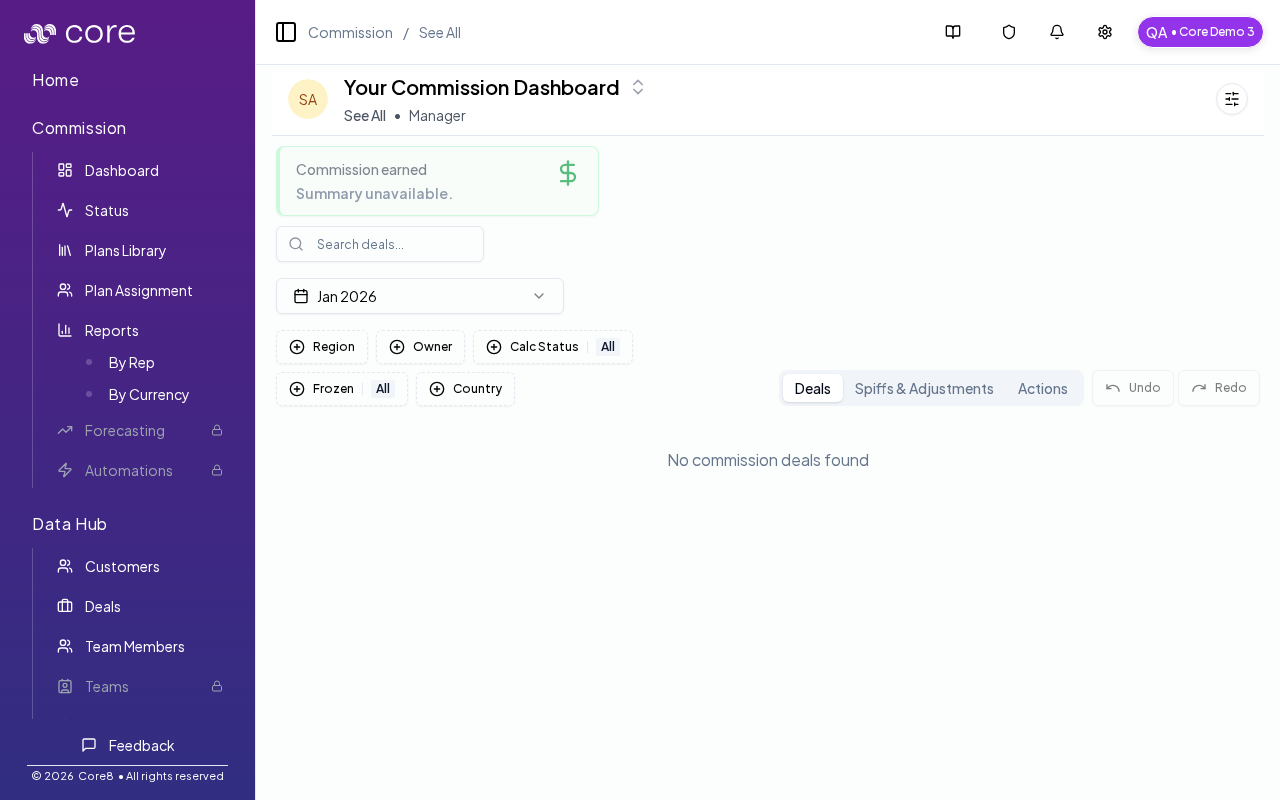
Go to Commission → Dashboard .
On the deal row, click the discussion (chat) icon.
Post the dispute question (include what you expected and why).
Resolve a dispute Once the underlying issue is fixed (plan change, variable correction, split update, etc.):
mark the message(s) as resolved (so the thread stops showing as unresolved)
optionally add a final note summarizing what changed
Tips for clean resolution
Link the dispute to a concrete change (variable edit, plan assignment, split, or manual adjustment).
If the dispute results in a payout correction, record it via the normal paid/unpaid workflow.
How to verify
Make the underlying change (override/import, plan edit + approval, split update, or adjustment).
Re-open the deal and confirm the Calculation view reflects the expected result.
Add a final message that summarizes what changed and why.
Mark the thread as resolved so it no longer shows up as unresolved.
Common gotchas
Decide (and document) which date anchors the behavior: booking date vs invoice date vs payment date.
If the pattern depends on fields from an integration, confirm those fields actually exist in Data Hub and aren’t overridden.
Test with a tiny set of deals first, then expand—patterns often “work” but break on edge cases like refunds, partial payments, or split deals.
Related pages