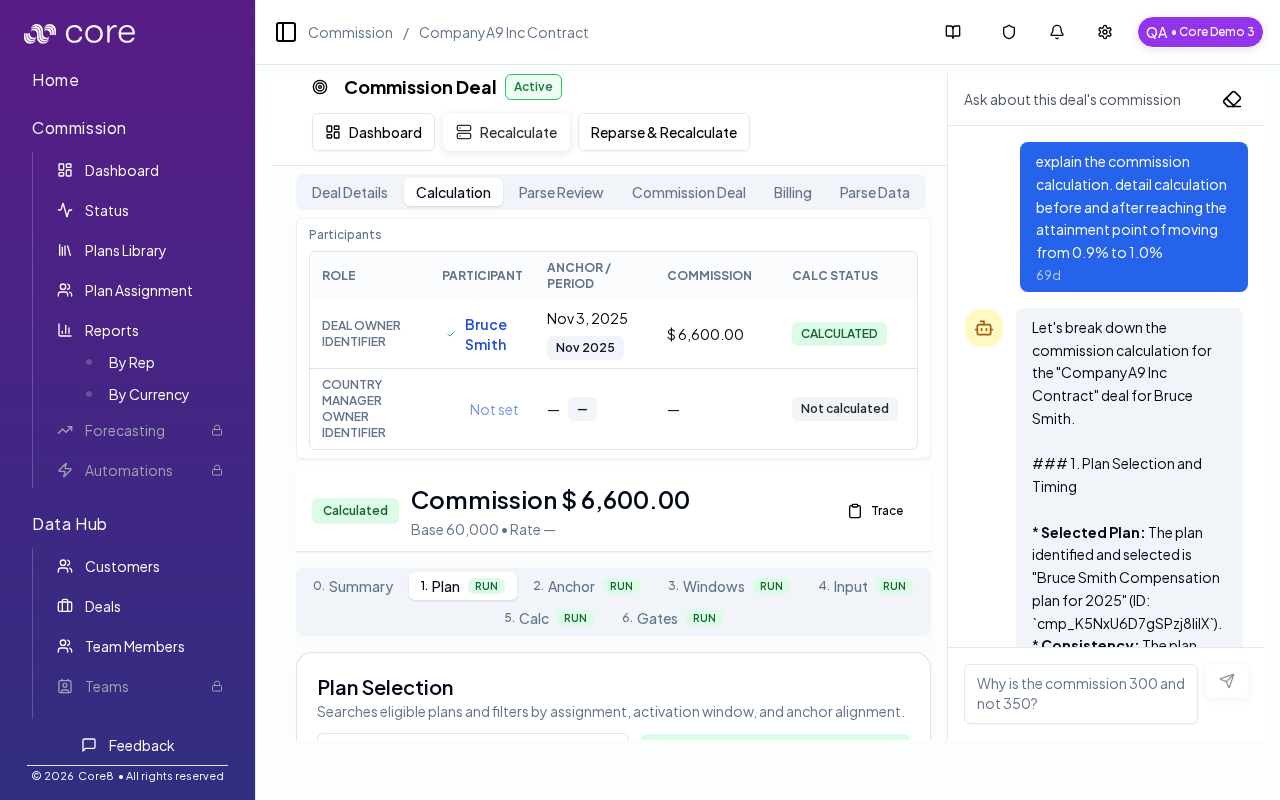
commissionableAmount) or whether you will store partner fees separately and compute net inside the plan. Validate on a known deal by checking commissionableAmount / partnerFees and the base used in the Calculation view.
When to use this
- Commission should be calculated on net revenue after partner/reseller fees.
- You need to subtract specific fields from commissionable amount.
- You want to audit the inputs used for the net calculation.
- Option A (recommended): write the net base directly into
commissionableAmount. - Option B: write the gross base into
commissionableAmount, write partner fees intopartnerFees, and compute the net base inside the plan’s calculator.
Prerequisites
Before you configure Core8, decide where the “source of truth” lives:- Do you have a CRM field for net ARR / end-customer ARR?
- Do you have a CRM field for partner fees (amount) or partner cut %?
- Is the only reliable source the contract / deal document?
Option A: Map net value into commissionableAmount (recommended)
Use this approach if you can provide a net value (from CRM mapping or your deal document parsing).
What to do:
- Ensure your deal data includes a net commission base value.
- Map that value to
commissionableAmount. - In the plan calculator, use
commissionableAmountas the base for rate math.
- Keeps the plan calculator simpler.
- Makes the “commission base” obvious in the deal details UI.
Option B: Track partner fees and compute net base in the calculator
Use this approach if you have partner fees but not a clean net field. What to do:- Populate
commissionableAmountwith the gross base and populatepartnerFeeswith the fee amount. - In the plan calculator, compute:
- Use
netBasefor commission calculations.
partnerFeestypically comes from your CRM/import mapping. If you want to view/edit it in the UI, configure it as a custom commission variable in your organization.
- Add a variable like
partnerCutPercent(0–100). - Compute the fee amount in the calculator, then net it out.
Example
- Gross ACV: $100,000
- Partner fee: $20,000
- Net commission base: $80,000
- Rate: 10%
- Earned commission: $8,000
Common gotchas
- Decide (and document) which date anchors the behavior: booking date vs invoice date vs payment date.
- If the pattern depends on fields from an integration, confirm those fields actually exist in Data Hub and aren’t overridden.
- Test with a tiny set of deals first, then expand—patterns often “work” but break on edge cases like refunds, partial payments, or split deals.
How to verify
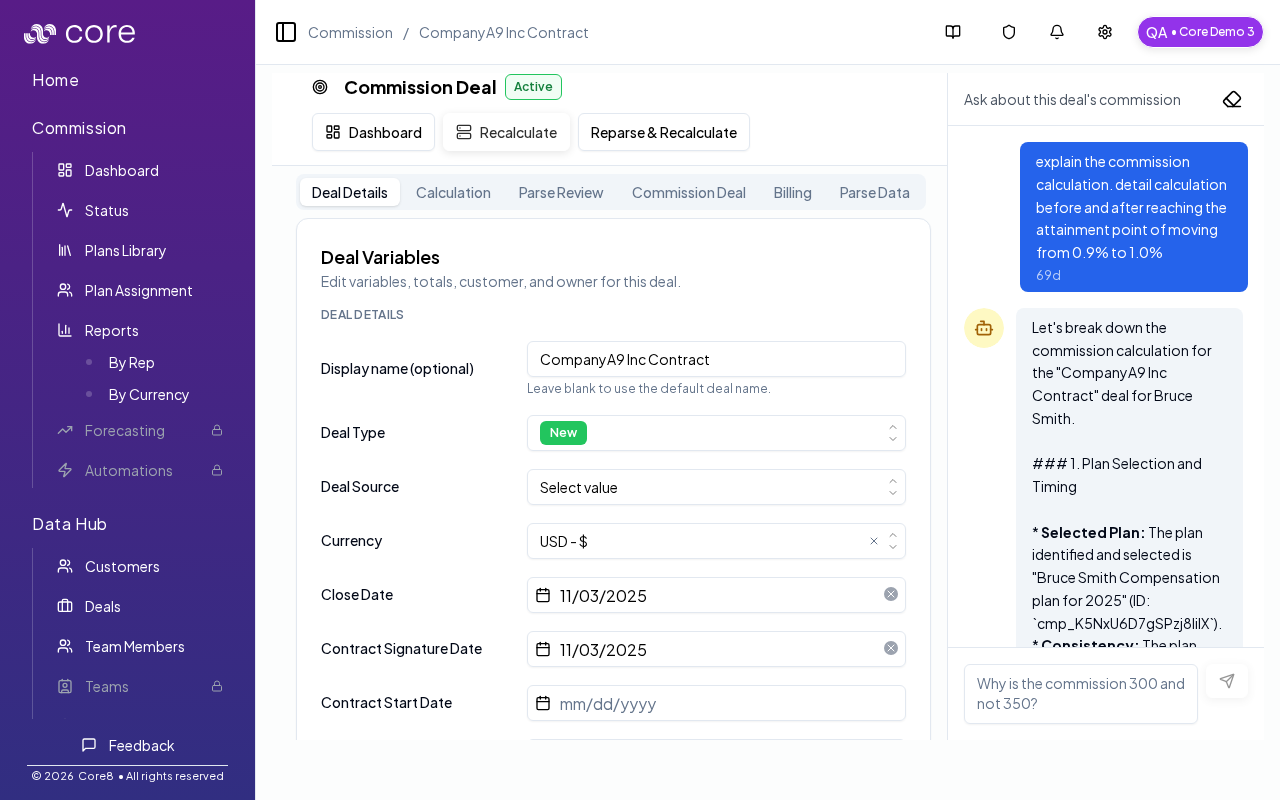
- Open the deal and confirm
partnerFeesand/orcommissionableAmountmatch expectations. - Use the calculation view to confirm the calculator’s base amount is net of partner fees.