

- deals are booked in different currencies by region
- the company reports in one “base” currency
- reps are paid in their local payout currency
When to use this
- You close deals in multiple currencies and need consistent conversion rules.
- You need reporting and payouts in a single org currency.
- You want to audit which exchange rates were used in calculations.
How Core8 approaches currencies (high level)
Core8 separates calculation from FX:- Your plan’s calculator logic is evaluated in a single working (quota) currency.
- Core8 handles FX conversion outside the calculator and stores an FX snapshot for audit.
Prerequisites
- Deals have the correct deal currency set (from your CRM/import).
- FX rates are available for the relevant anchor dates (Core8 stores FX snapshots for audit).
- Team members have their payout currency configured (where relevant).
What to do in Core8
- Confirm the deal currency and amounts are correct in the deal detail view.
- Ensure exchange rates are available for the relevant dates (Core8 stores anchor-dated FX snapshots for audit).
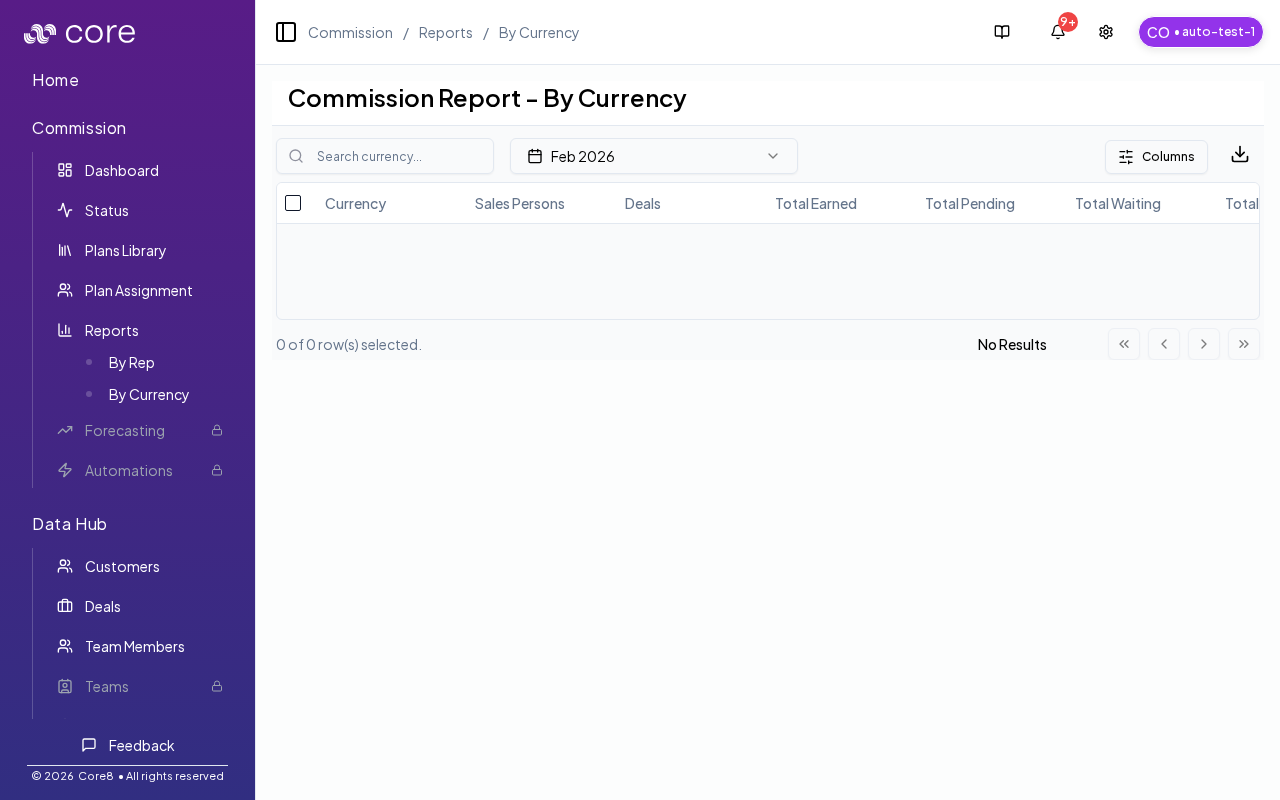
- Use Report by Currency to:
- verify totals by currency
- spot unusual FX effects
- reconcile reporting views
How to verify
- Pick one known multi-currency deal and confirm the deal currency and amount are correct.
- Open the deal’s Calculation view and confirm the effective values and FX conversion match your policy.
- Open Report by Currency for the same period and reconcile totals across currencies.
- If a deal is Waiting due to missing FX, confirm FX exists for the relevant anchor/payment date (and re-run if needed).
What to expect in the UI
- If FX is required but missing for a deal/period, the deal may show a waiting state until required data is available.
- Reports can group totals by currency to make reconciliation easier.
Common gotchas
- Decide (and document) which date anchors the behavior: booking date vs invoice date vs payment date.
- If the pattern depends on fields from an integration, confirm those fields actually exist in Data Hub and aren’t overridden.
- Test with a tiny set of deals first, then expand—patterns often “work” but break on edge cases like refunds, partial payments, or split deals.