

When to use this
- You accrue commission monthly but pay larger bonuses on longer cadences.
- You need true-ups, pooling windows, or attainment windows.
- You want clear explanations of payout timing vs earned timing.
- Set the plan to payout monthly, but
- Pool attainment over the year, and
- Encode bonus precedence rules in the plan’s calculator (or use adjustments for edge cases).
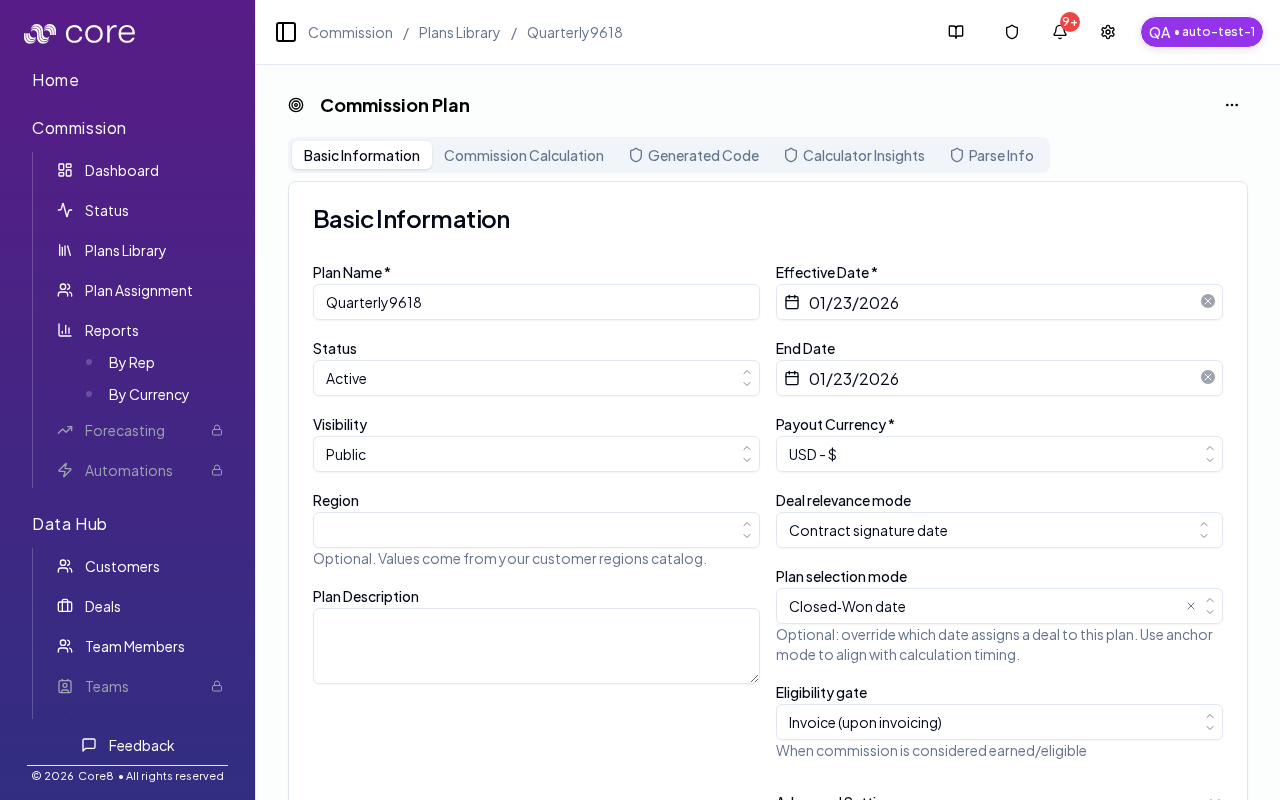
Recommended setup (high level)
- Set organization timing defaults (monthly cadence).
- Configure plan-level pooling/true-ups for quarter/year logic.
- Decide how quarterly/annual bonuses should be paid:
- in the last month of the quarter
- spread across the quarter
- as a manual adjustment when needed
Step 1: Set organization timing defaults
Monthly payout is configured at the organization level (plans inherit these values). In Settings (Organization) → Commission, set:- Accrual cadence: Monthly (if your calculations are monthly)
- Payout cadence: Monthly
- Fiscal year start month: match Finance’s fiscal calendar
Step 2: Configure plan-level pooling / true-ups
In the plan’s Advanced Settings, use:- Attainment pooling window: typically Annual (for YTD pooling)
- True‑up cadence: Quarterly (if you need quarter-end adjustments/bonuses)
What “yearly attainment pooling” means
With yearly pooling, the calculator can evaluate quarter/year thresholds using the broader deal set, even if you’re saving results month-by-month.Common gotchas
- Decide (and document) which date anchors the behavior: booking date vs invoice date vs payment date.
- If the pattern depends on fields from an integration, confirm those fields actually exist in Data Hub and aren’t overridden.
- Test with a tiny set of deals first, then expand—patterns often “work” but break on edge cases like refunds, partial payments, or split deals.
How to verify
Use a report view to validate attainment totals and payout results match expectations for the month/quarter/year.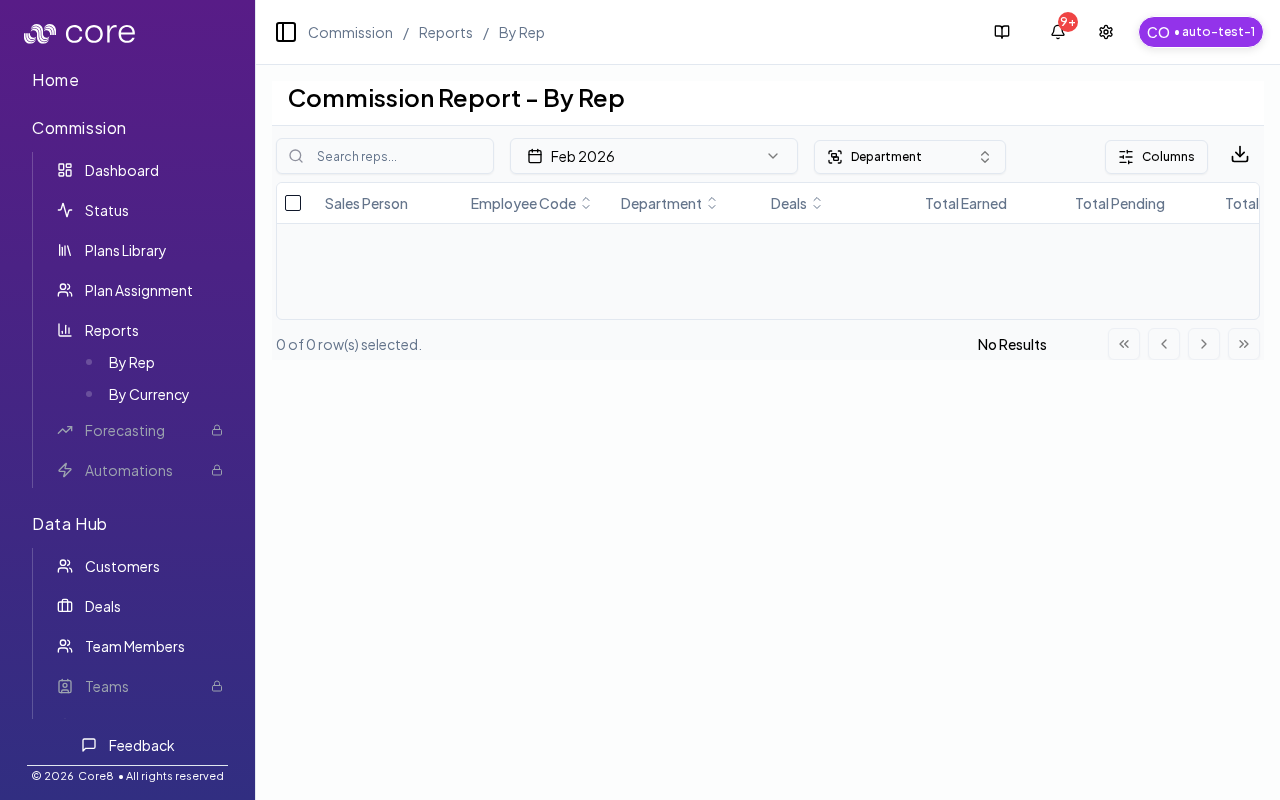
Operational guidance (common edge cases)
- If a quarter has no eligible deal in the “bonus month”, you may need a manual adjustment to ensure the bonus is paid on time.
- If quarterly and annual bonuses can overlap, document (and encode) an explicit precedence rule (for example: quarterly gate must be met before annual accelerators apply).