Choose deal splitting when one contract needs multiple commission treatments and you want each part calculated (and audited) separately. Before splitting, decide what each child deal represents and how you’ll allocate amounts/percentages so children sum to the parent. Verify by checking that child deals roll up correctly and each child deal’s Calculation view matches the expected plan logic.

When to use this

  • One contract contains multiple parts that need different commission treatment.
  • You need child deals with their own variables while rolling up to a parent.
  • You want to audit each component’s calculation separately.
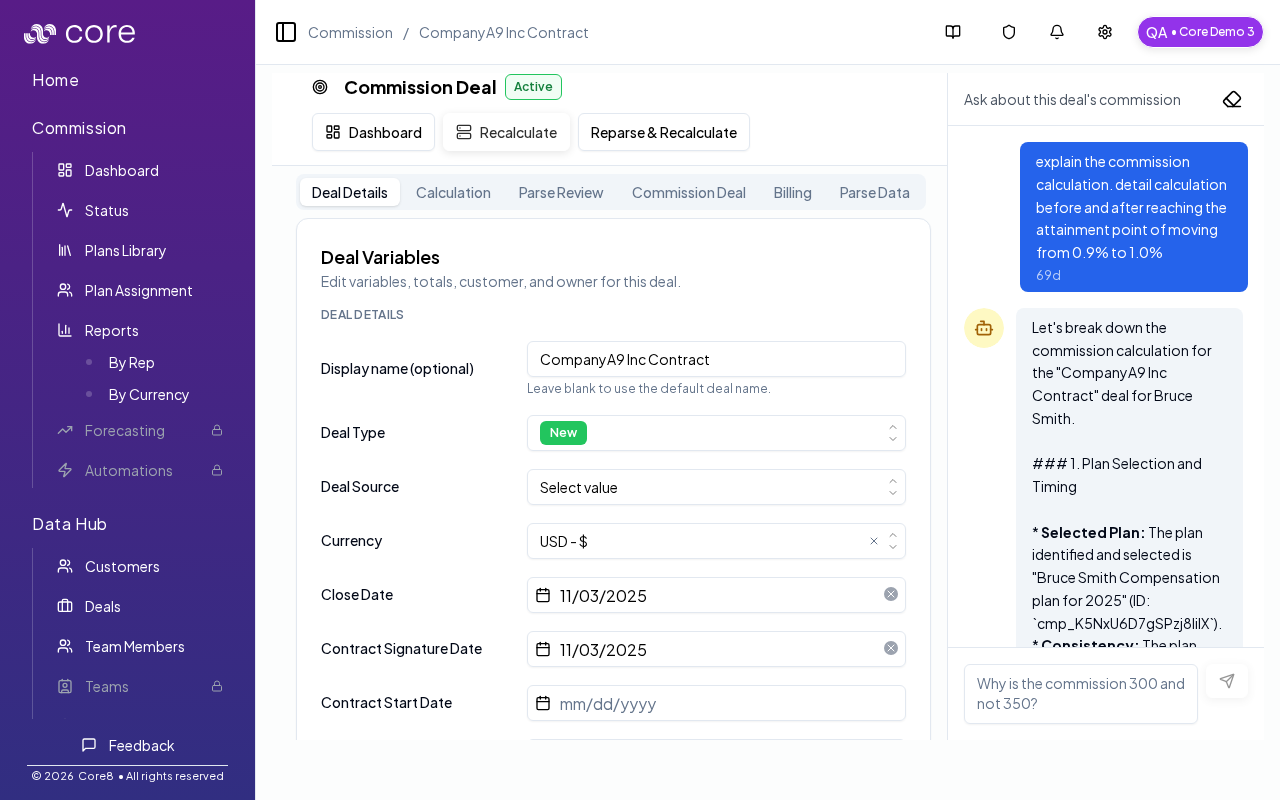
Core8 models this by creating child deals under a parent deal. Each child can have its own variables (like dealType or yearInContract) while still rolling up to the original contract. Deal details (manager)

When to split (common cases)

Split a deal when:
  • a contract includes both renewal and expansion (different logic/rates)
  • a multi-year contract needs different rates by year
  • a plan pays on payments received (each payment needs its own anchor date)
  • services and subscription components need different treatment and you do not have reliable product-level amounts

How to split a deal

  1. Go to Commission → Dashboard.
  2. In the deal row actions, click the split icon (Split commission deal).
  3. Choose an intent (what you’re trying to do).
  4. Allocate parts (percentages and/or amounts) so they sum to the parent.
  5. Review and confirm.
If a deal is already split (it has children), open the parent row actions and click Add part to split (plus icon).

Split intents (what they mean)

The split wizard supports multiple intents. The most common ones:
  • Mixed Deal Types: use when one contract mixes NEW/RENEWAL/EXPANSION portions (each child sets dealType).
  • Contract Phases: use for multi-year deals; each child sets yearInContract (1, 2, 3, …).
  • Custom: use for payment tranches or one-off splits.

Important behaviors and constraints

  • Parent deals with children are not edited directly; you work on the child deals.
  • Frozen deals can’t be split or edited.
  • If you delete the last remaining split child, Core8 will “unsplit” the parent and keep totals as-is.
  • When present, Core8 allocates derived values like annualRecurringRevenue and productBuckets across child deals by split percentage.

Common gotchas

  • Decide (and document) which date anchors the behavior: booking date vs invoice date vs payment date.
  • If the pattern depends on fields from an integration, confirm those fields actually exist in Data Hub and aren’t overridden.
  • Test with a tiny set of deals first, then expand—patterns often “work” but break on edge cases like refunds, partial payments, or split deals.

How to verify the split

  • Confirm child deal totals reconcile back to the contract.
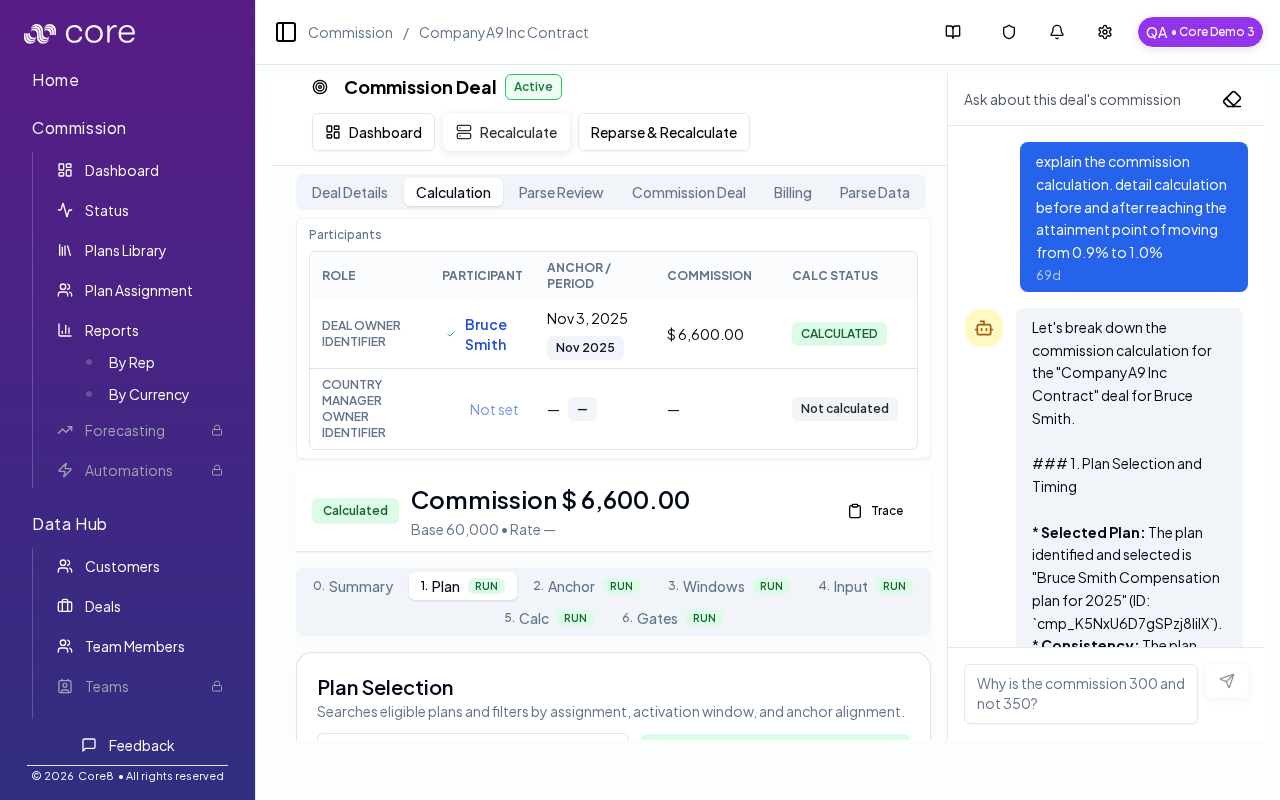
  • Use the calculation view to confirm the correct plan + variables are applied per child.
Deal calculation transparency