

What you can do on this page
- Review earned/pending/waiting/paid totals by rep for a period.
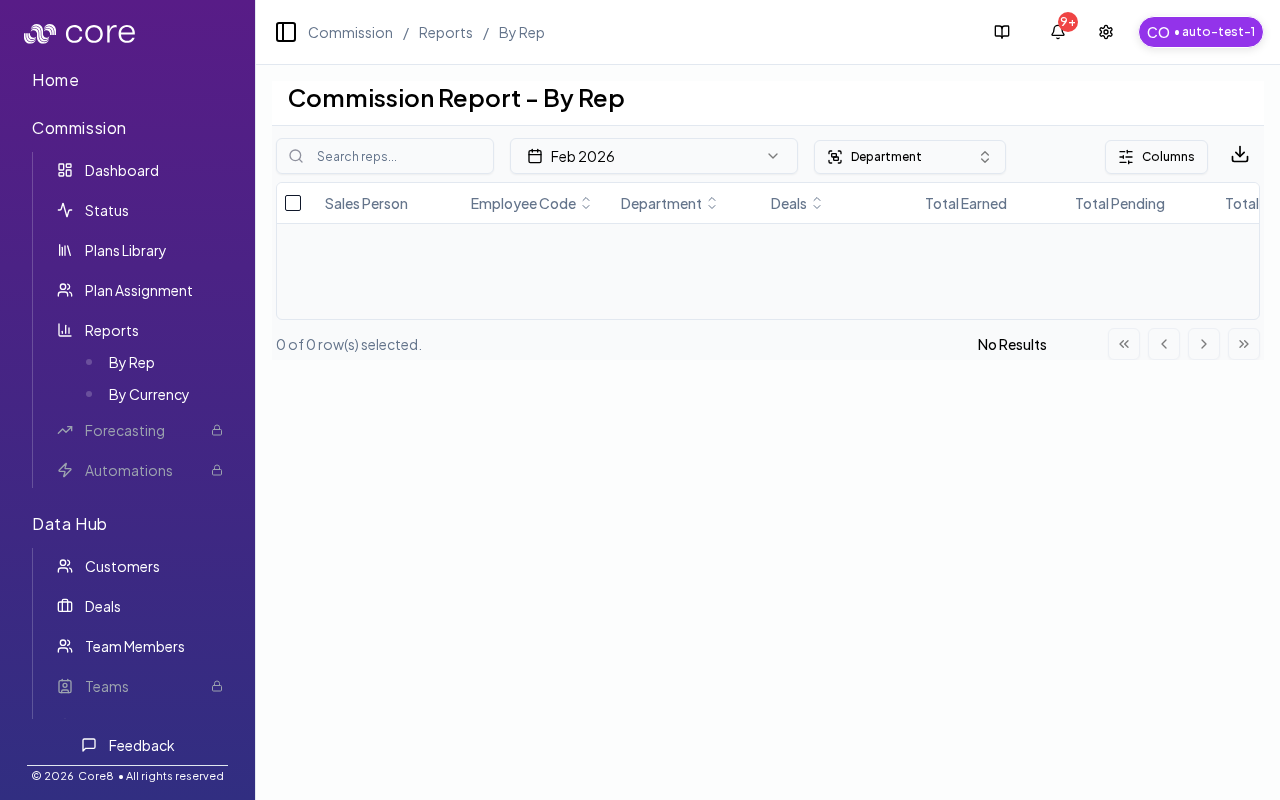
- Filter by department and search reps to focus review.
- Understand that totals are aggregated in org currency.
- Customize columns and export for payroll review.
- Spot outliers and drill into the dashboard for investigation.
Under the hood
Under the hood
- Org currency: monetary totals in this report are shown in your organization’s currency for consistent comparison.
- Quota attainment: quota attainment is only shown when the underlying attainment currency matches the org currency.
- Drill-down links: clicking a rep opens that rep’s dashboard with a
periodquery param (orperiod=allwhen “Show all periods” is selected). - How to verify: see How to verify the report matches what you expect below.
- If it looks wrong: drill into a rep’s dashboard and spot-check the period and totals; use Commission Status to see whether deals are waiting on missing data.
Access
- Open Commission → Reports → By Rep.
- URL:
/{orgId}/commission/reports/by-sales-person
Filters
- Period selector (including “Show all periods” when available)
- Search reps (name/email/employee code)
- Department filter
Columns and exports
- Use Customize columns to show/hide metrics.
- Select rows to export only specific reps, or export the whole view.
- You can export all columns or only the visible columns.
Drill-down
Click a salesperson to open their Commission dashboard for the selected period.How to verify the report matches what you expect
- Select a specific period (instead of “Show all periods”) for the cleanest review.
- Spot-check one rep by clicking into their dashboard and confirming the period and totals align with what you expect.
- If quota attainment is blank for a rep, confirm the report is being shown in the org currency (currency mismatches suppress attainment).
Notes
- Amounts in this report are shown in your organization’s currency.
- If you choose “Show all periods”, drill-down opens the dashboard with
period=all.
Common issues
- Report does not match the dashboard: confirm the same period, status filters, and whether the view is showing earned vs paid amounts.
- A rep is missing: ensure they have an active assignment in the period and that you are not filtering them out.
- Numbers look inconsistent across exports: re-run export after recalculation and spot-check one rep/deal for reconciliation.